Shibuya Scripts
Feature overview and loadstring usage for the popular Beta automation script—read the ban risk disclaimer first.
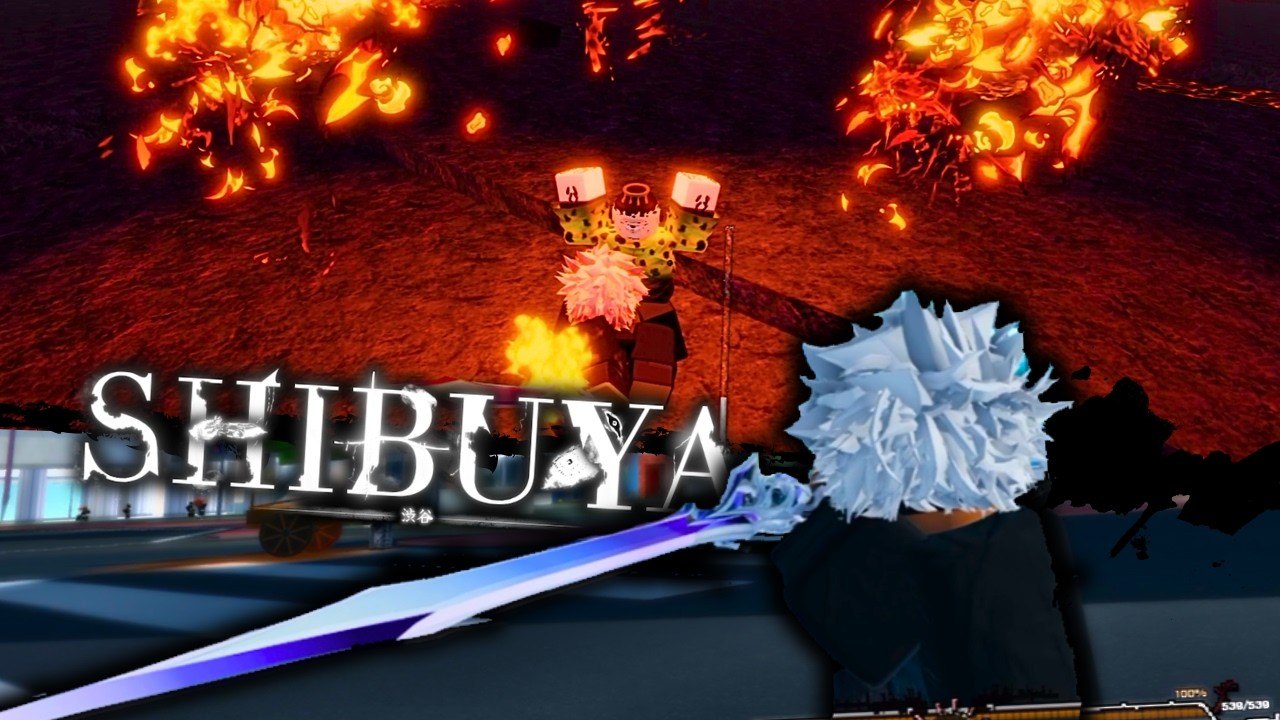
Safety disclaimer
Using third-party executors and scripts in Roblox can violate Roblox Terms of Use and Project M rules. Accounts can be moderated, banned, or rolled back. This page exists so players researching Shibuya tooling understand what circulating scripts claim to do and how loaders are typically pasted. We do not encourage cheating in public servers. Anything you run is at your own risk. Prefer legitimate progression with Codes, Getting Started, and the Tier List whenever you can.
If you only needed free Locked rerolls, stop here and redeem the active list on the Codes Hub instead of injecting anything.
What the common Shibuya script claims
During Beta, one widely shared Luarmor-loader script for Shibuya advertises combat and quality-of-life automation. Feature lists circulating with that loader commonly include:
- Auto Dive — automates dive-related combat movement so you spend less time timing the action manually.
- Auto Parry — attempts to parry incoming hits for you (parry is normally a precise F tap in legitimate play).
- Auto Contain — helps with curse containment loops that normal players handle through missions and the J devour flow.
- Auto Loot — picks up drops without manual interaction.
- ESP — overlays information on players, NPCs, or objectives through walls.
- Speed / Fly / Noclip — movement cheats that skip traversal and collision rules.
- Other toggles that vary by script version (farm helpers, misc combat assists).
Exact menus change when the author updates the loader. Treat any feature checklist as unstable while Shibuya is still in early Beta and anticheat or game patches can break hooks overnight. Check Updates after major patches before assuming an old executor build still attaches cleanly.
Loadstring
The loader string associated with that script looks like this. Replace the key placeholder with the key your distributor requires. Never paste loaders you do not trust.
script_key="put ur key here";
loadstring(game:HttpGet("https://api.luarmor.net/files/v4/loaders/d58505bbfe282166655ac0388f0390d6.lua"))()
Notes:
script_keymust be a valid key from whatever key system the script uses. A wrong key usually soft-fails or refuses to load modules.- The
HttpGetURL points at a Luarmor v4 loader ID. If the author rotates files, this URL stops working even when your executor is fine. - Running unknown
loadstring+HttpGetcode gives that server the ability to execute whatever it returns on your client. That is a malware and account-security risk beyond Roblox bans.
How people typically use it (informational)
- Obtain a Roblox script executor that can inject into the Roblox client. Executor choice is outside this wiki’s scope; many are malware-ridden or already detected.
- Join Shibuya on a private or empty server if you are only testing UI—never assume public use is safe.
- Open the executor, paste the loadstring block with your key filled in, and execute after the data model has loaded.
- Wait for the script GUI. Toggle only the features you understand. Auto Parry and movement cheats are the most obvious to other players and moderators.
- If the game updates, reattach. Beta patches for dives, containment, or combat can invalidate hooks immediately.
If the script fails silently, the usual causes are an expired key, a changed Luarmor file, an executor that cannot hook the current Roblox version, or a Shibuya update that renamed remotes. None of those problems are something this wiki can patch for you.
Better legitimate alternatives
Most players searching for scripts actually want faster progression. Do this first:
- Redeem every working code on Codes and follow How to Redeem Codes.
- Learn combat timing for real: F parry, E cursed energy infusion, Q dash / hold Q lunge, J devour after contain.
- Follow Getting Started and progression notes so Grade exams, containment, and CT unlocks make sense.
- Use the Tier List before spending Locked CT and Clan rerolls from codes.
- Track Beta changes on Updates and Discord (invite).
Hardcore death penalties in Shibuya already punish careless play. Adding a ban risk on top of Grade loss is a poor trade for Auto Loot.
Wiki policy
This hub documents a script that already circulates publicly so readers can recognize loaders and feature names. We do not host executor downloads, cracked keys, or bypass tools. When Project M ships stronger enforcement or the loader dies, we will mark this page stale. Play fair when you can; if you still choose to inject, accept that bans are expected outcomes—not bugs.
Frequently Asked Questions
Quick answers to the most common questions.
Is using a Shibuya script safe?
No. Executors and injected scripts can get your Roblox account banned and may expose you to malware. This wiki documents circulating tools for awareness only. Use at your own risk.
What does the common Shibuya script include?
Feature lists usually mention Auto Dive, Auto Parry, Auto Contain, Auto Loot, ESP, Speed, Fly, and Noclip. Menus change when authors update the loader.
Where do I put the script key?
Replace put ur key here inside the script_key assignment before you run the loadstring. A missing or invalid key prevents the loader from unlocking modules.
Do scripts replace codes?
No. Codes are the supported way to get Locked rerolls. Redeem them on the Codes Hub first; scripts are unrelated automation with ban risk.
Why did my loadstring stop working after an update?
Shibuya Beta patches, Roblox client changes, expired keys, or a rotated Luarmor file can all break injectors overnight. There is no guaranteed fix.